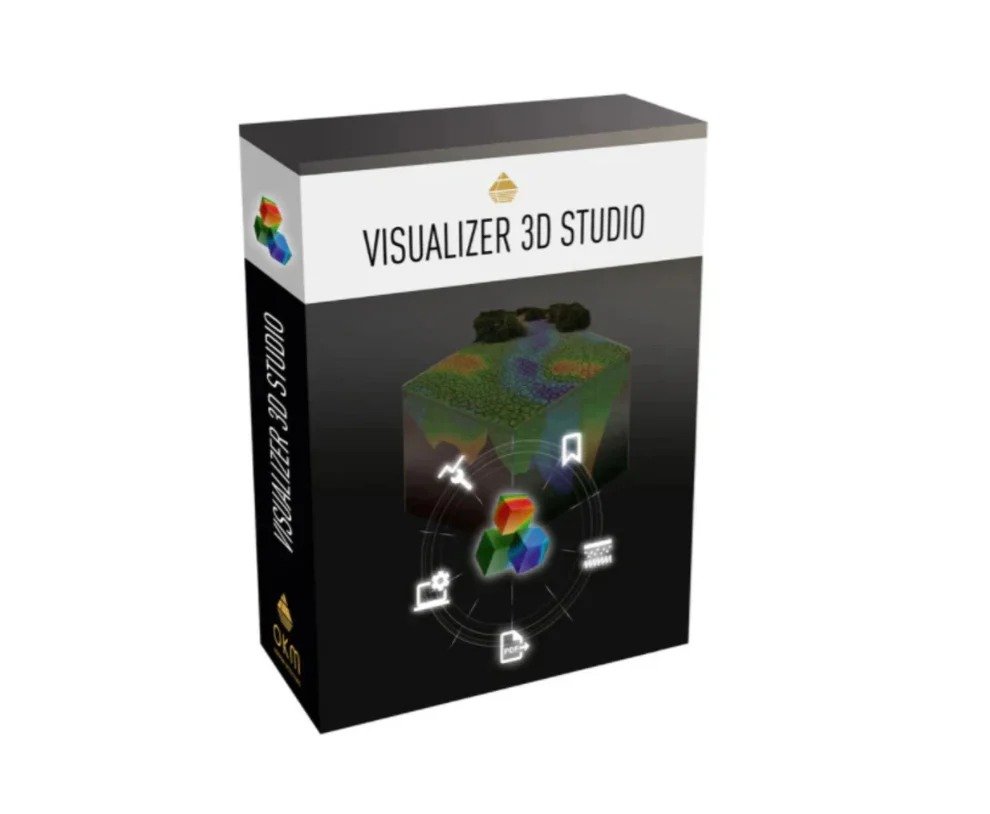
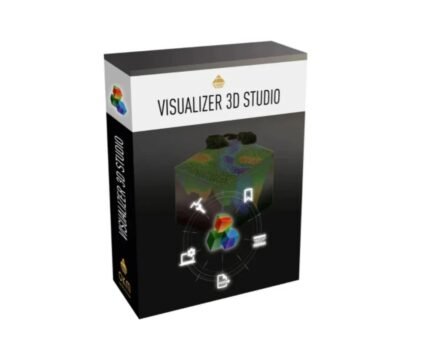
- Professional 3D imaging software for OKM metal detectors and 3D ground scanners
- Easy to use also for beginners
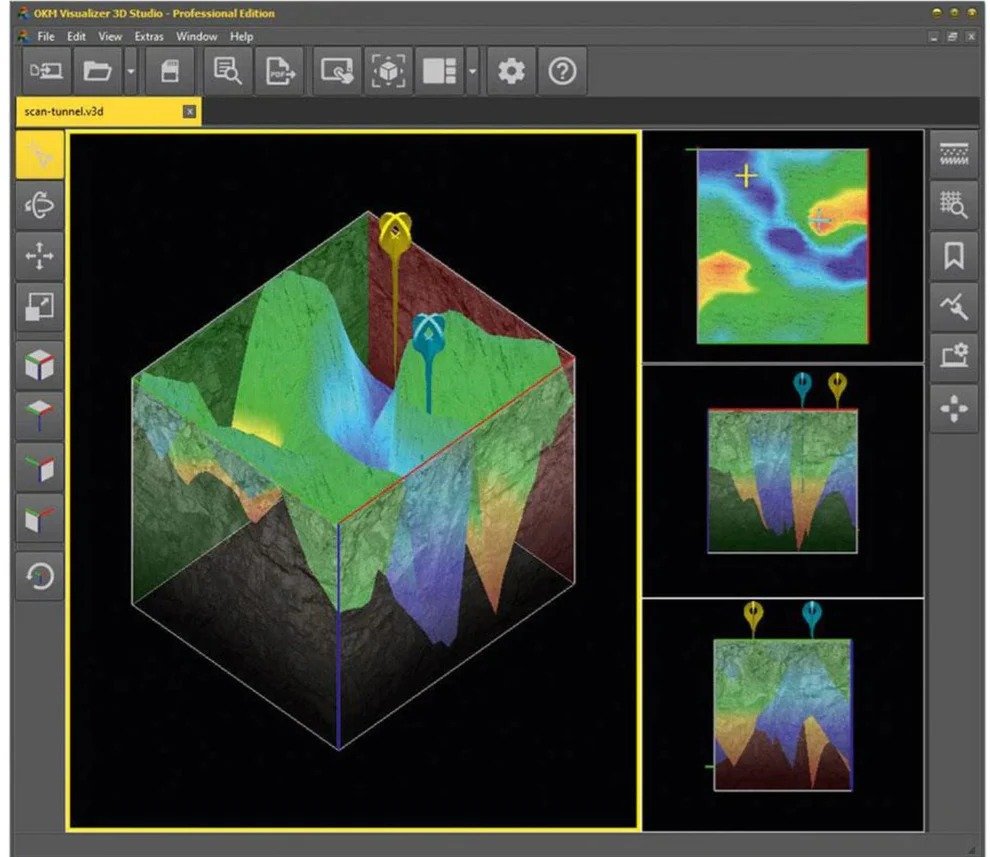
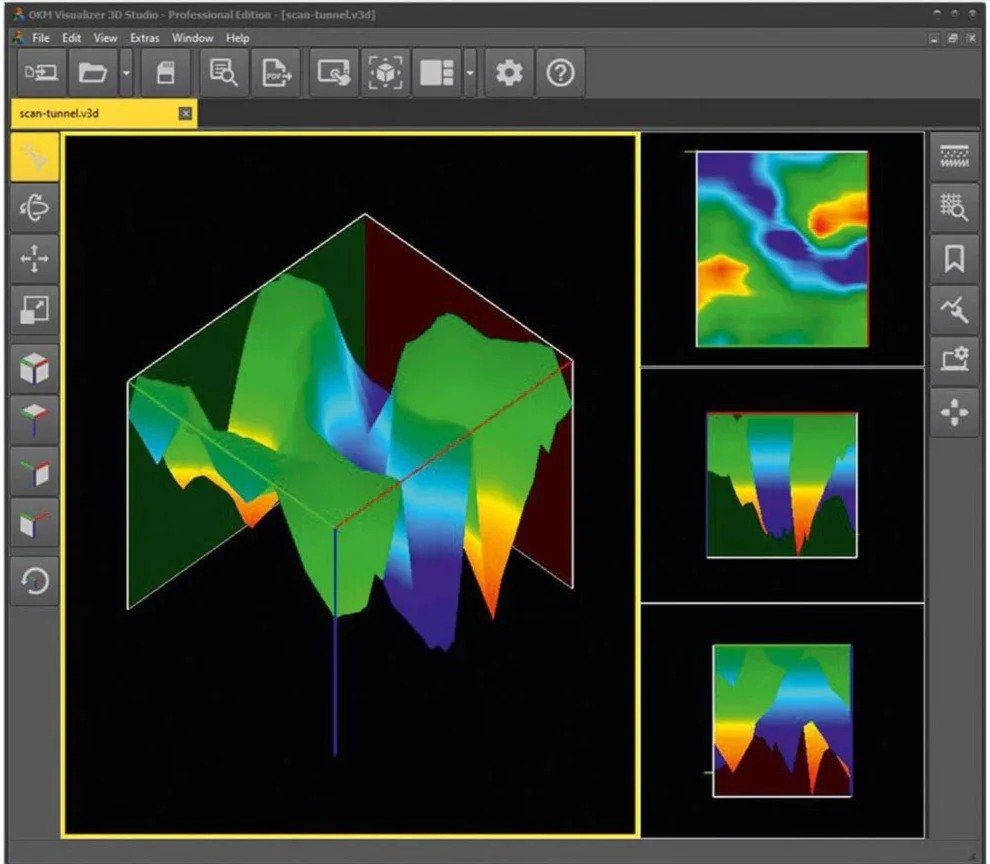
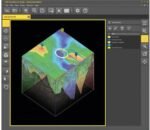
- Visualization of detected anomalies and structures as 2D and 3D graphics
- Determination of the position, size and depth of hidden objects
- Analysis of detected objects and structures, including documentation
More details
Advanced Ground Scanning in 3D
Visualizer 3D Studio offers treasure hunters, archaeologists and professional users in industry the possibility to locate and visualize hidden objects in the underground even before excavation. By using the innovative analysis software, the position, size and depth of the detected object can be determined more precisely after the measurement with the OKM detector.
- Software with intuitive operation
- Interactive support by context-sensitive help
- Automatic creation of a three-dimensional representation of the recorded measurement data after importing the raw data from the detector
- Determination of position, size and depth of the detected objects even before excavation
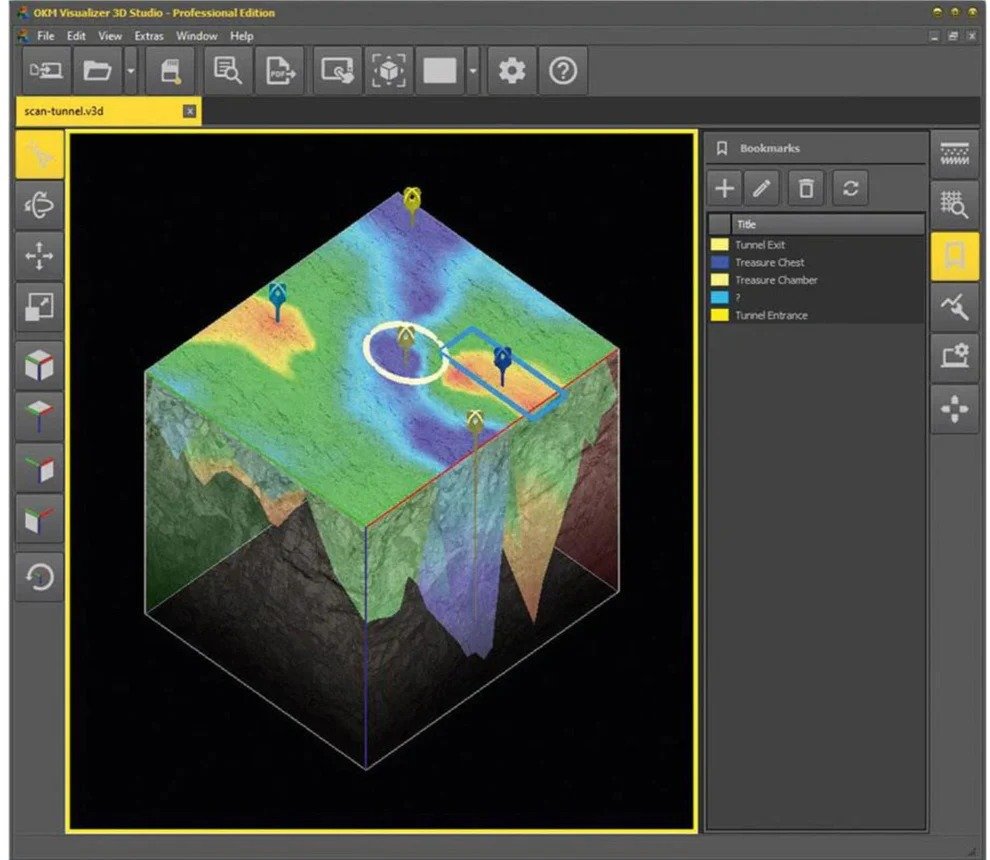
- Add bookmarks and supplementary notes to specific measurement points
- Automatically compile scan data as a well-structured PDF report
Software Features at a Glance
The innovative visualization software offers users a wide range of options, both in processing and in displaying and evaluating the scan data:
- Import scan data
- Edit properties and add notes
- Adjust views (rotate, scale, move)
- Use predefined viewports
- Optimize scan data with modifiers
- Select from various user interface designs
- Assign soil types (changes depth calculation and visualization)
- Select measured values
- Activate tablet mode
Professional EditionSet bookmarksProfessional EditionExport data as PDF
Import Scan Data
Transfer data from the OKM detector or ground scanner via USB cable or Bluetooth and then edit it in the software. Selected detectors (Rover UC, eXp 6000) create the scan file already in .v3d format during the measurement. This can be opened directly with the software.
Edit Properties and Add Notes
In addition to the measured values, basic data such as date, length and width of the measurement field and (if activated) the associated GPS position are saved for each measurement. This information can be supplemented in the software with further information on the measurement or with information on special measuring field properties.
Adjust Views (Rotate, Scale, Move)
The completed scan graphic can be positioned, enlarged and rotated according to individual requirements. Thus, on the one hand a top view is possible (2D), on the other hand three-dimensional views are also possible by rotating. For easy handling, you will find preset standard views to click on in the left toolbar.
Use Predefined Viewports
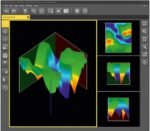
Thanks to preset viewports, the scan image can be divided among several windows. This means that several perspectives can be viewed at the same time. In order to focus on a specific area, different windows in different sizes can be selected. Alternatively, the display area can be limited to a single window.
Optimize Scan Data with Modifiers
Using the four predefined modifiers (interpolation, subdivision, signal correction, rotation correction), the measured values are automatically corrected, extended by additional measuring points and recalculated in order to optimize the display and facilitate the search for potential find objects within the measured data.
Select from Various User Interface Designs
For different ambient light conditions, the software offers four user interface designs to choose from. Select the one that suits your taste!
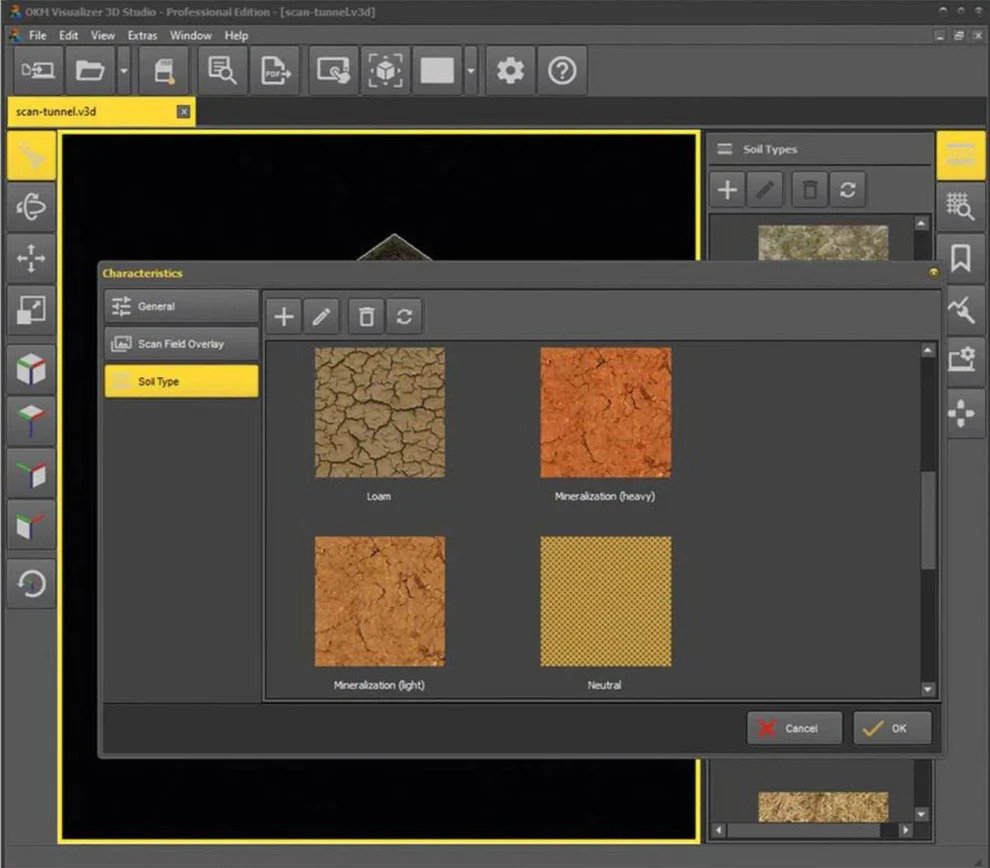
Assign Soil Types (changes Depth Calculation and Visualization)
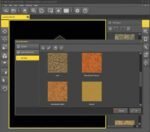
With 12 OKM standard soil types and 12 additional USDA soil types, the new Visualizer 3D Studio software offers extended functionality: By selecting the appropriate soil type, the calculation of the depth values is adjusted according to the stored soil properties such as dielectric constant, relative permeability, homogeneity, mineralization and moisture. The selection of the correct soil type is essential, as the calculation of the measurement depth is significantly influenced by it. For a better visual evaluation the deposited soil textures can be mapped.
Select Scan Values
To select individual scan values, not only the arrow keys but now also the mouse can be used. With this function, details of the selected measured value can be viewed more easily. Furthermore, a bookmark can be set on this point that can be provided with additional information.
Activate Tablet Mode
When using the Visualizer 3D Studio software on a tablet or laptop with a smaller screen, it is recommended to activate the tablet mode. This will optimize the display of the import process and improve its visibility.
New Features
New Features for Advanced Ground Scan Analyses
The OKM software has continued to advance along with the detectors and the requirements of the users. Thus, numerous useful functionalities have been added to facilitate the use of the software and to make the evaluation of the scan data more efficient.
New features include:
- Benefit from additional visualization options
- Set Individual Bookmarks
- Add Individual Soil Types
- Include Scan Field Photo
- Generate PDF Report
- Additional Preset Soil Types
- Advanced Settings
Discover more advantages of the new analysis software and its editions Standard and Professional!
Easy-to-Use Software – also for Inexperienced Users
Easy-to-understand icons and direct tooltips enable intuitive operation. Sample scans available in the program show users which graphic details may indicate potential targets such as buried treasure chests and artifacts, underground tunnels, burial chambers and underground pipelines.
In addition, users are supported by an interactive help system. This and the online help are currently available in English and German.












Reviews
There are no reviews yet.